Wallet Key
Wallet Key
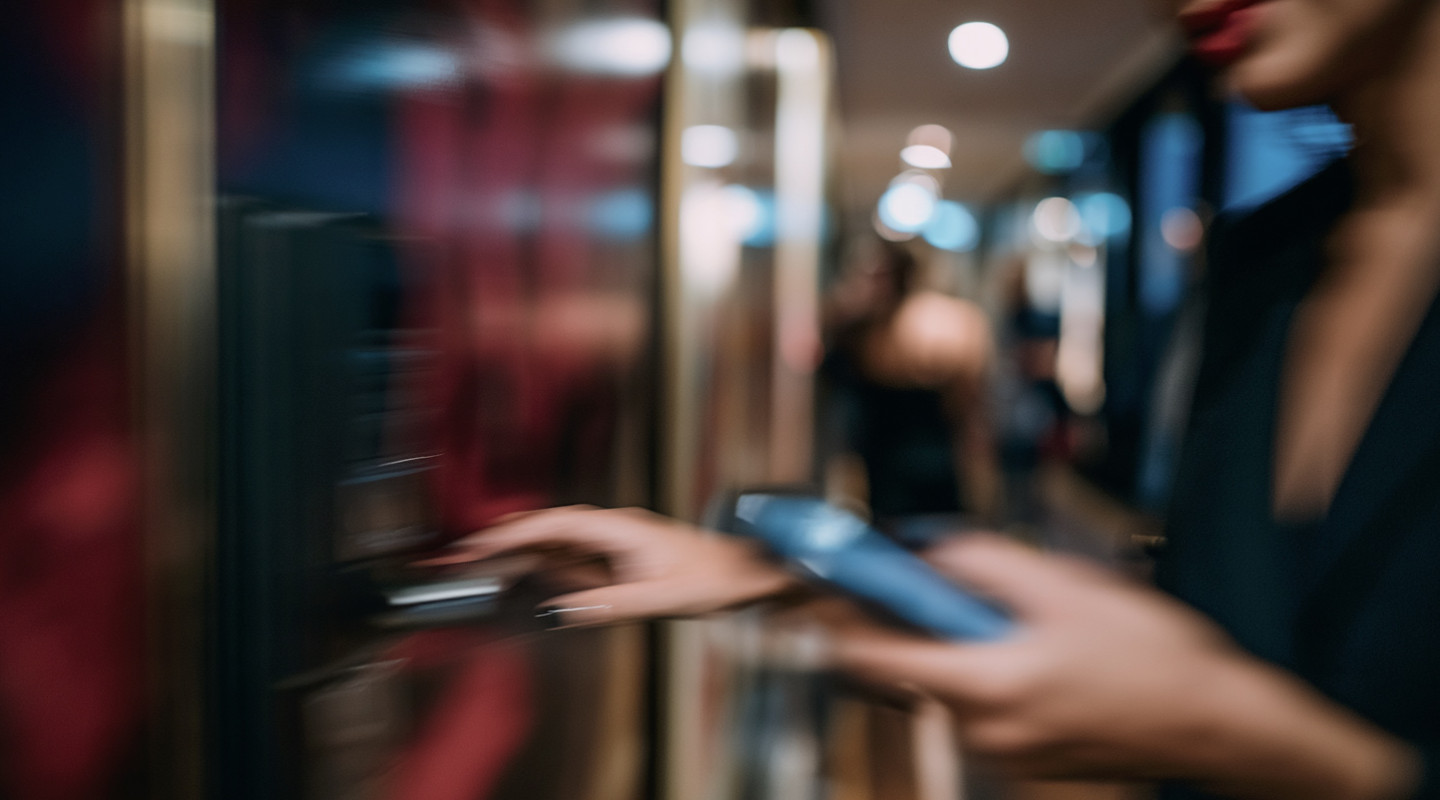
The room key lands straight in Apple Wallet or Google Wallet, the app the guest already has. Nothing to download, nothing to log into.
Streamline Operations, Elevate Experiences
-
Certified integrations with PMS
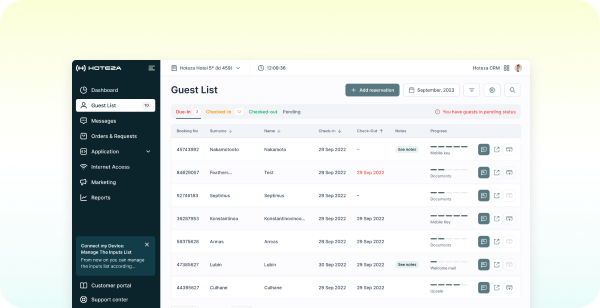
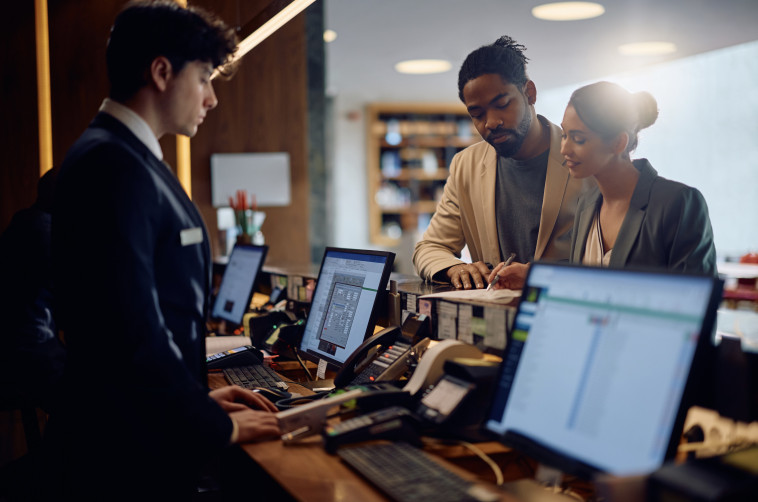
Room access is generated directly from verified reservation data synced with your PMS, ensuring guests receive the correct key the moment their stay is confirmed. This eliminates manual key coding at the front desk and keeps room assignments accurate in real time. Staff retain full visibility and control if room changes occur.
-
Effortless ID Verification & Data Accuracy
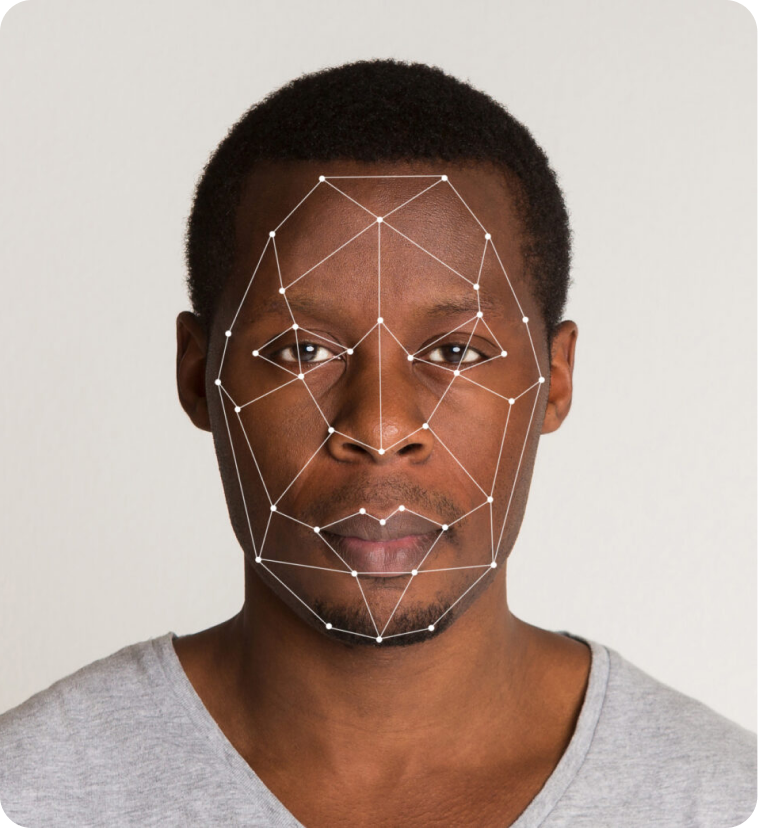
Wallet Keys are issued only after the guest completes identity verification during online check-in, linking room access directly to a confirmed, verified guest. This prevents unauthorized key issuance and reduces fraud risk without adding extra steps for the guest. Accurate guest data flows automatically between verification and key provisioning.
-
"Straight-to-room". No more queuing at the reception
Guests bypass the front desk entirely, walking from arrival straight to their room using a key already stored in Apple Wallet or Google Wallet. This reduces peak-hour bottlenecks at reception and frees staff to focus on guests who need in-person assistance. The result is a faster, calmer arrival experience for everyone.
Your Brand on the Guest's Phone
A Wallet key isn't just access it's your hotel's card sitting in the guest's phone for the whole stay, with your logo, your colours, your property image. Add stay dates, room number, Wi-Fi details and a link back to your services.

How it works
How it works
-
Step 1 — Complete Online Check-In
Guest completes the check-in link sent before arrival, including ID verification and room details confirmation. On the last step guest can see Get Wallet Key button. Alterativelly, Wallet Key invitation cam be pushed to checked-in guest from PMS
-
Step 2 — Add Key to Wallet
Once check-in is verified, the guest taps "Add to Apple Wallet" or "Add to Google Wallet" directly from the confirmation screen.
-
Step 3 — Key Appears on Lock Screen
The digital key saves to the guest's Wallet app and is ready to use — no extra app download required.
-
Step 4 — Share the Key
The Master Guest can generate a QR code to share room access with companions, and track which keys have been added.
-
Step 5 — Tap to Unlock
On arrival, guests simply hold their phone or watch near the door lock to unlock the room — straight from arrival to room, no front desk stop needed.

Step 1 — Complete Online Check-In
Guest completes the check-in link sent before arrival, including ID verification and room details confirmation. On the last step guest can see Get Wallet Key button. Alterativelly, Wallet Key invitation cam be pushed to checked-in guest from PMS

Step 2 — Add Key to Wallet
Once check-in is verified, the guest taps "Add to Apple Wallet" or "Add to Google Wallet" directly from the confirmation screen.

Step 3 — Key Appears on Lock Screen
The digital key saves to the guest's Wallet app and is ready to use — no extra app download required.

Step 4 — Share the Key
The Master Guest can generate a QR code to share room access with companions, and track which keys have been added.

Step 5 — Tap to Unlock
On arrival, guests simply hold their phone or watch near the door lock to unlock the room — straight from arrival to room, no front desk stop needed.
Compatible Door Locks
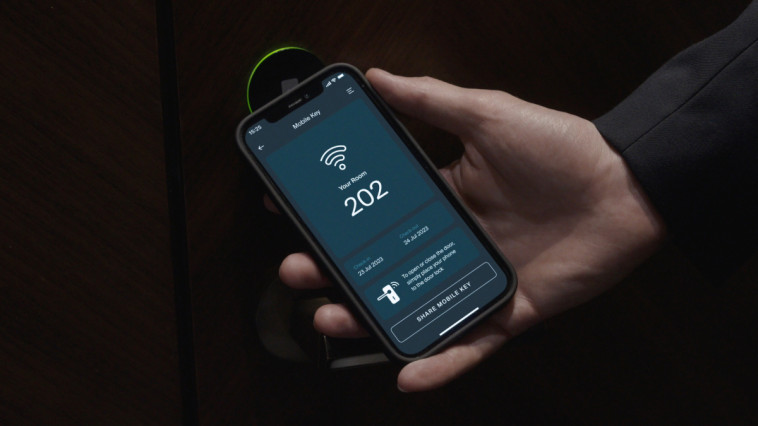
Eliminate the need for plastic key cards by using Hoteza Mobile Key. Allow your guests to use their own device to open the room door, providing them with a secure and convenient solution.

Frequently Asked Questions
Your Questions, Answered
Do we need to replace our door locks?
In most cases, no. Hoteza integrates with the major lock platforms already installed in hotels — ASSA ABLOY (Vingcard, Tesa), Salto, dormakaba, Onity and others. What matters is the lock model and firmware, and whether the reader supports BLE or NFC. We audit this before the project starts and tell you exactly which key types your property can run. In some case existing door locks don't need to be exchanged but updated with techologies like Legic
Which key type should we choose?
Wallet keys give the lowest friction — nothing to install, and the key sits in an app the guest opens every day. Mobile (BLE) keys are the choice when you already run a branded hotel app and want room control and services in the same place. Mobile App also can be combined with Wallet keys. Web keys are the fallback where the installed lock system doesn't support the other two. Many properties run more than one type in parallel.
Does the guest need to download an app?
Not for Wallet keys or Web keys. Wallet keys go into Apple Wallet or Google Wallet, which are already on the phone. Web keys open in the browser. Only the in-app BLE key requires the hotel app.
What happens if the guest's phone dies?
Reception can issue a physical card as usual — digital keys sit alongside your existing system, they don't replace it. Staff can also reissue the digital key to another device instantly from the PMS.
Can guests share a key with someone else in the room?
Yes. Additional keys can be issued to traveling companions, with the same expiry as the main reservation. Sharing is controlled by your policy and logged. In case of Wallet keys (Apple) guest can share the keys directly from their Wallet
Does it work for areas other than the guest room?
Yes. The same credential can cover the elevator, parking, lounge, spa, pool or any other access-controlled door supported by your lock system. Additional setting on door lock vendor side is required.
Does it integrate with our PMS?
Yes. Key issuing is triggered by reservation and check-in events from your PMS, so the key is created, delivered and revoked automatically. Hoteza supports certified integrations with major PMS providers.
Is it secure?
Credentials are encrypted, bound to a specific reservation and date range, and revoked automatically at check-out. Every issue and revoke event is logged. Hoteza is ISO 27001 certified and GDPR compliant.
Does the door still open without an internet connection?
Wallet and BLE keys communicate directly with the lock over NFC or Bluetooth, so the door opens even where mobile coverage is poor. Web keys require a connection at the moment of unlocking.
How long does implementation take?
Typically a few weeks, depending on your lock platform, PMS integration and branding. The Hoteza team handles the lock audit, integration, staff training and testing before launch.