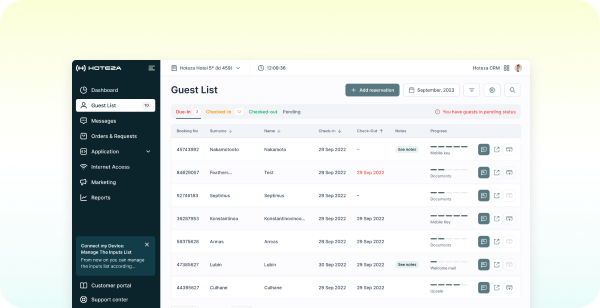
Digital Key
Digital Room Keys for Hotels
In Apple Wallet, Google Wallet, or your hotel app. No plastic. No queue.
Streamline Operations, Elevate Experiences
Hoteza turns the guest's phone into a hotel room key: in Apple Wallet, Google Wallet, your branded app or the browser, issued automatically from your PMS and working with the door locks you already have.
-
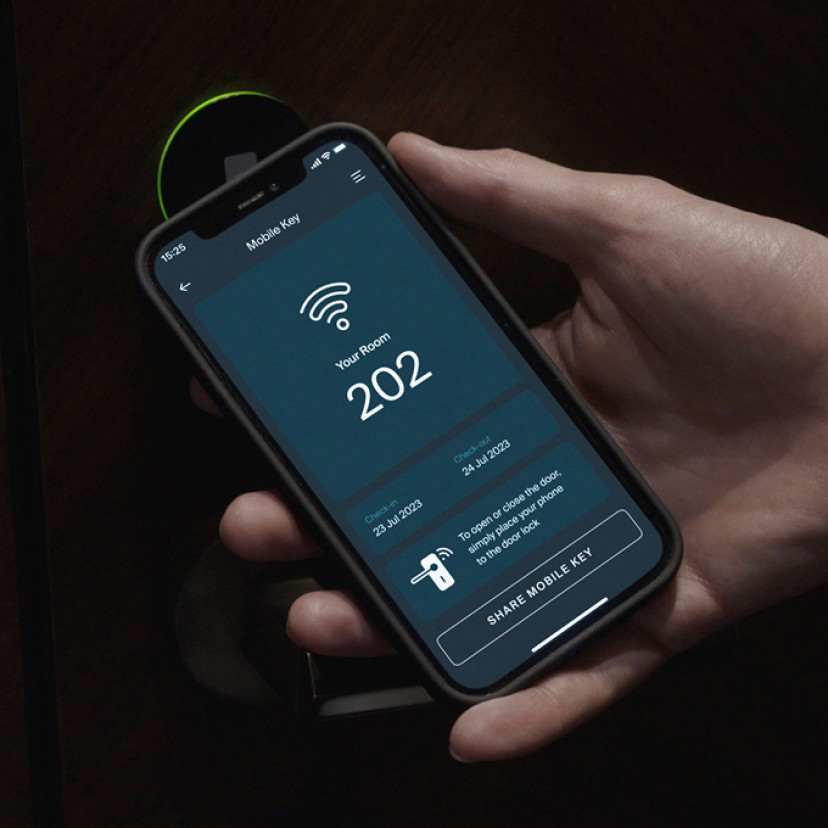
Three Key Types, One Platform
Wallet keys, in-app BLE keys, and web keys all issued from the same Hoteza platform. Choose the type that fits your locks and your guests, or run several in parallel across properties.
-
Works With Your Existing Locks
Certified integrations with ASSA ABLOY (Vingcard, Tesa), Salto, dormakaba, Onity, Sciener-based systems and more. No lock replacement required in most cases.
-
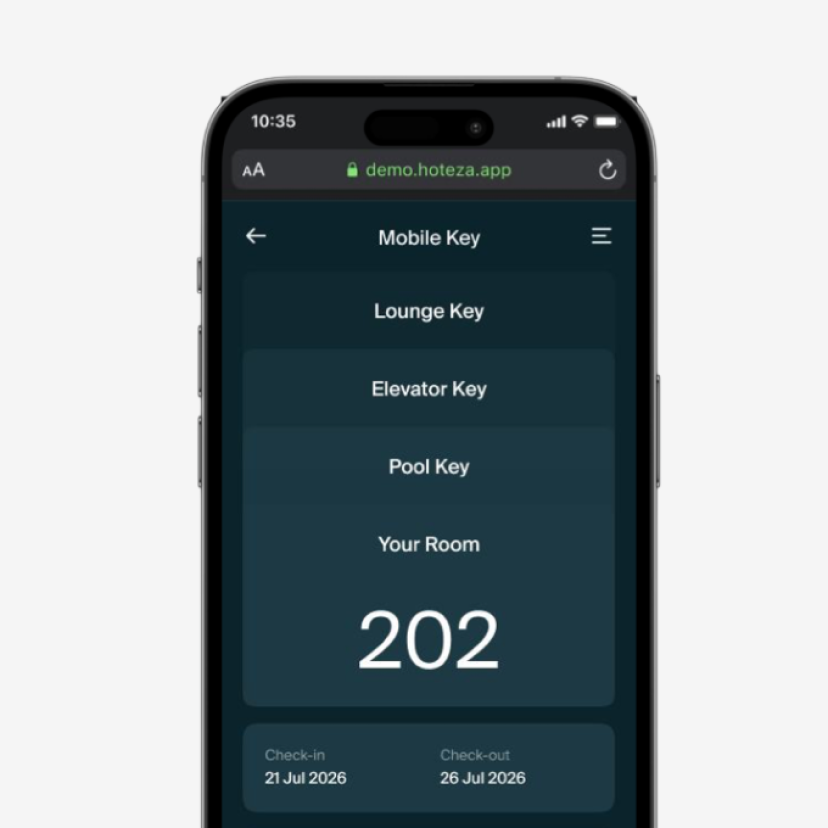
Beyond the Room Door
Issue access to the elevator, lounge, pool, spa, or parking from the same key. One credential covers the whole property, not just room 202.
Choose Your Key Typе
Wallet keys, in-app Bluetooth (BLE) keys and browser-based web keys: three routes to keyless entry, matched to your lock system and your guests.
-
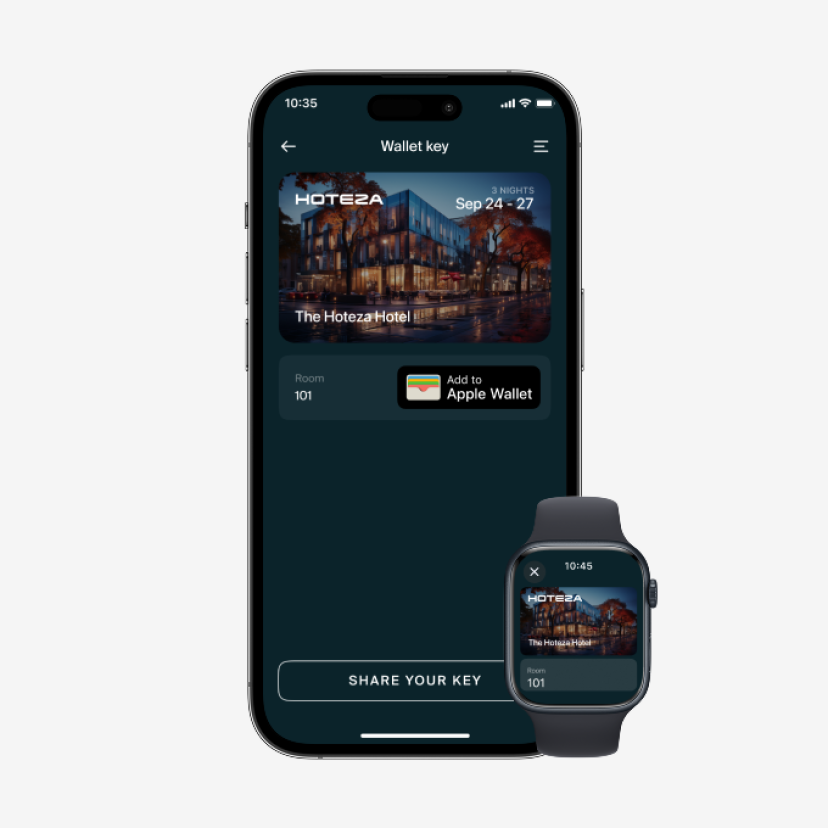
Wallet Key
-
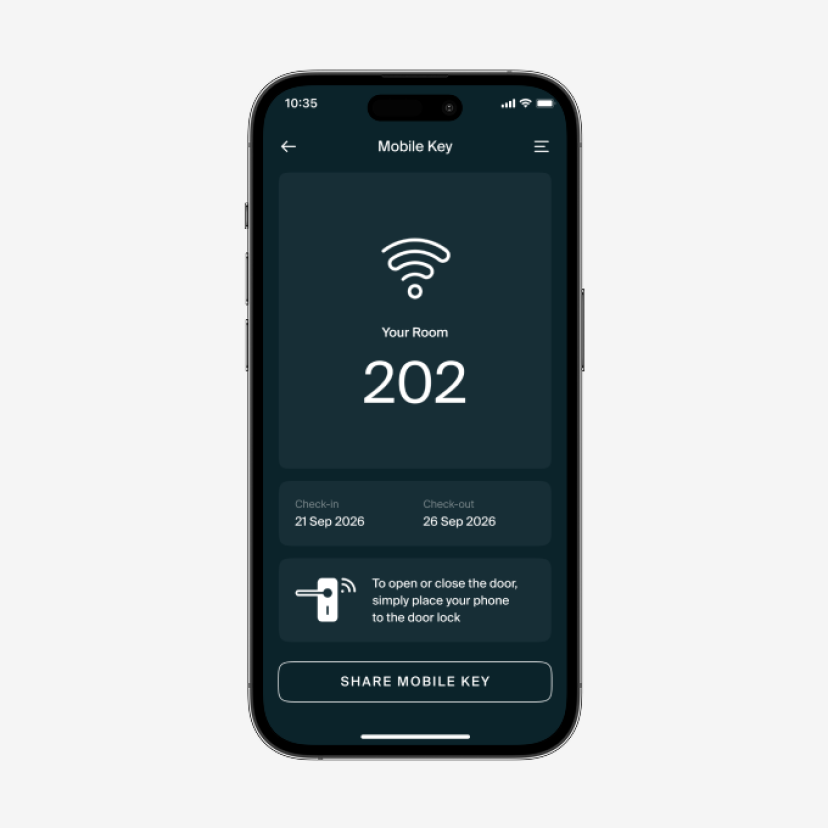
Mobile Key (BLE)
A key stored inside your branded Hoteza hotel app. The guest holds the phone near the lock, and the door opens over Bluetooth, no network needed at the door. Sits alongside in-app room controls, service requests, and hotel information.
-
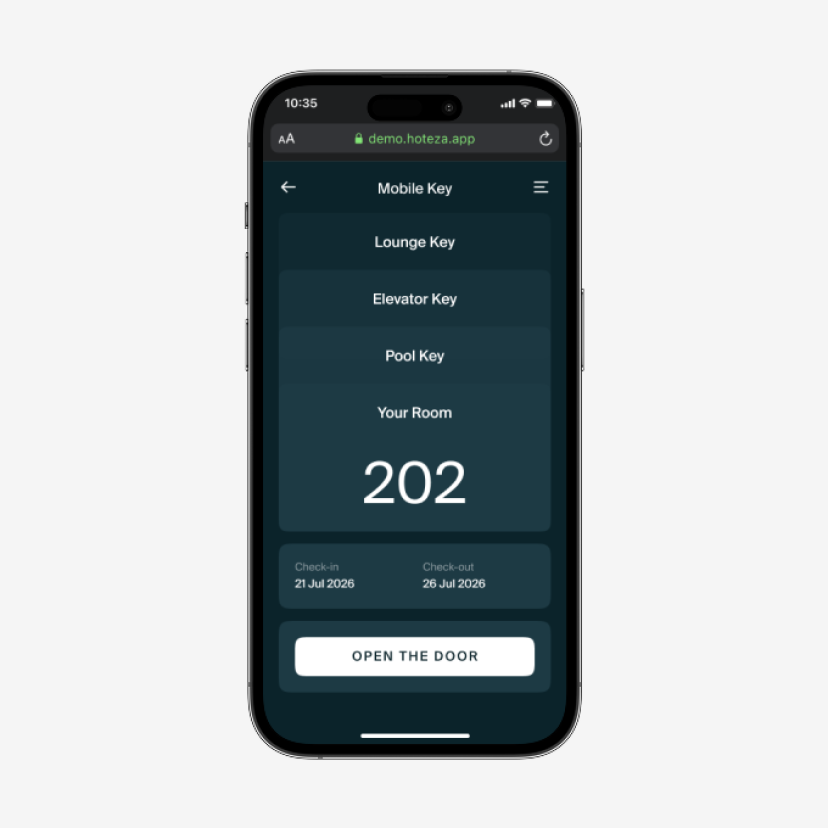
Web Key
A browser-based key for properties where Wallet or BLE isn't supported by the installed lock system. The guest opens a link, taps Unlock, and the page stays active for the whole stay no app, no installation.
Your Brand on the Guest's Phone
A Wallet key isn't just access it's your hotel's card sitting in the guest's phone for the whole stay, with your logo, your colours, your property image. Add stay dates, room number, Wi-Fi details and a link back to your services.

Three Ways to Unlock Hotel Doors
Four steps from check-in to an open door, whether the guest uses a Wallet key, a Bluetooth key in the hotel app, or a web key in the browser.
-
Wallet Key
1. Guest completes check-in online or at reception.
2. A digital key is generated and delivered by email or WhatsApp.
3. Guest taps the link and adds the key to Apple Wallet, Google Wallet, or their Watch.
4. Guest holds the phone or watch near the lock. Door opens. -
Mobile Key (BLE)
1. Guest downloads and signs into the hotel app.
2. The key is issued automatically on check-in.
3. Guest holds the phone near the door lock over Bluetooth.
4. Door unlocks; no card, no contact. -
Web Key
1. Guest completes check-in or receives a Guest App link.
2. Guest opens the link in the smartphone browser.
3. The key page stays active for the duration of the stay.
4. Guest taps "Unlock" to open the door.
Compatible Door Locks
Eliminate the need for plastic key cards by using Hoteza Mobile Key. Allow your guests to use their own device to open the room door, providing them with a secure and convenient solution.


Frequently Asked Questions
Your Questions, Answered
Do we need to replace our door locks?
In most cases, no. Hoteza integrates with the major lock platforms already installed in hotels — ASSA ABLOY (Vingcard, Tesa), Salto, dormakaba, Onity and others. What matters is the lock model and firmware, and whether the reader supports BLE or NFC. We audit this before the project starts and tell you exactly which key types your property can run. In some case existing door locks don't need to be exchanged but updated with techologies like Legic
Which key type should we choose?
Wallet keys give the lowest friction — nothing to install, and the key sits in an app the guest opens every day. Mobile (BLE) keys are the choice when you already run a branded hotel app and want room control and services in the same place. Mobile App also can be combined with Wallet keys. Web keys are the fallback where the installed lock system doesn't support the other two. Many properties run more than one type in parallel.
Does the guest need to download an app?
Not for Wallet keys or Web keys. Wallet keys go into Apple Wallet or Google Wallet, which are already on the phone. Web keys open in the browser. Only the in-app BLE key requires the hotel app.
What happens if the guest's phone dies?
Reception can issue a physical card as usual — digital keys sit alongside your existing system, they don't replace it. Staff can also reissue the digital key to another device instantly from the PMS.
Can guests share a key with someone else in the room?
Yes. Additional keys can be issued to traveling companions, with the same expiry as the main reservation. Sharing is controlled by your policy and logged. In case of Wallet keys (Apple) guest can share the keys directly from their Wallet
Does it work for areas other than the guest room?
Yes. The same credential can cover the elevator, parking, lounge, spa, pool or any other access-controlled door supported by your lock system. Additional setting on door lock vendor side is required.
Does it integrate with our PMS?
Yes. Key issuing is triggered by reservation and check-in events from your PMS, so the key is created, delivered and revoked automatically. Hoteza supports certified integrations with major PMS providers.
Is it secure?
Credentials are encrypted, bound to a specific reservation and date range, and revoked automatically at check-out. Every issue and revoke event is logged. Hoteza is ISO 27001 certified and GDPR compliant.
Does the door still open without an internet connection?
Wallet and BLE keys communicate directly with the lock over NFC or Bluetooth, so the door opens even where mobile coverage is poor. Web keys require a connection at the moment of unlocking.
How long does implementation take?
Typically a few weeks, depending on your lock platform, PMS integration and branding. The Hoteza team handles the lock audit, integration, staff training and testing before launch.